
Shipping to Asia Made Easy: How Kaebox App Simplifies the Process for Asian Americans
Updated: 3 days ago
As an Asian living in the US, you may find yourself in need of sending packages or documents back to your home country. Whether it's for personal reasons or for business, the process of shipping can be time-consuming and stressful. That's where Kaebox on-demand shipping app comes in.
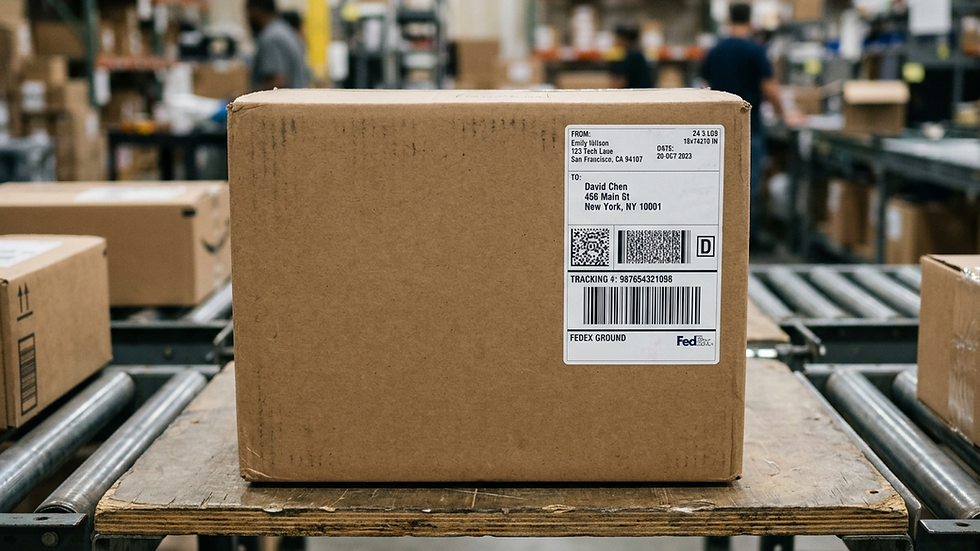
With Kaebox, you can easily and quickly ship packages and documents to any country in Asia with just a few taps on your phone. The app allows you to purchase shipping labels for major couriers such as UPS, USPS, Fedex, and DHL at a discount of up to 88% and download the label or share via text or email directly from your phone.
One of the most convenient features of Kaebox is its ability to pick up your package from your doorstep. This means you don't have to worry about going to a physical shipping store or post office to send your package. Instead, Kaebox will come to you, print the label, package your item, and ship it for you.
Another great feature of Kaebox is its address verification technology. The app uses the newest and most up-to-date technology, including partnerships with Google and other industry leaders, to ensure that the address you enter is correct. This helps prevent any issues at delivery, especially when shipping internationally.
For Asian business owners who sell hand-made products, Kaebox is a great way to reach a wider audience in Asia. The app allows you to ship your products straight from your home, which means you don't have to worry about the cost and time-consuming process of setting up a physical store.
In conclusion, Kaebox on-demand shipping app is a convenient and stress-free way for people from Asia living in the US to ship packages and documents to their home countries. With its easy-to-use interface, discounted shipping rates, and door-to-door pickup service, Kaebox takes the hassle out of shipping.
Practical considerations for today's shippers
International shipping is more than choosing the lowest rate. Confirm the destination's import restrictions, write a specific customs description, report accurate item values and countries of origin, and check whether duties or taxes may be payable by the recipient.
The carrier's published service conditions and the destination's customs rules control what can be accepted. Compare the total shipping cost and expected transit window, and keep shipment receipts and tracking information until delivery.
Related Kaebox guides and resources
For more practical guidance, see how to avoid international customs-form mistakes and the complete Kaebox carrier-rate comparison. You can also watch Kaebox's international-shipping video for a visual introduction; check the current app for updated steps and options.
Ready to send a package? Compare shipping options and create your shipment with Kaebox. Rates and available services depend on your package and location.
Related Kaebox guides: compare shipping rates between major US carriers.
For carrier-specific details, consult official USPS retail postage calculator. Check requirements and current pricing before shipping.


Comments